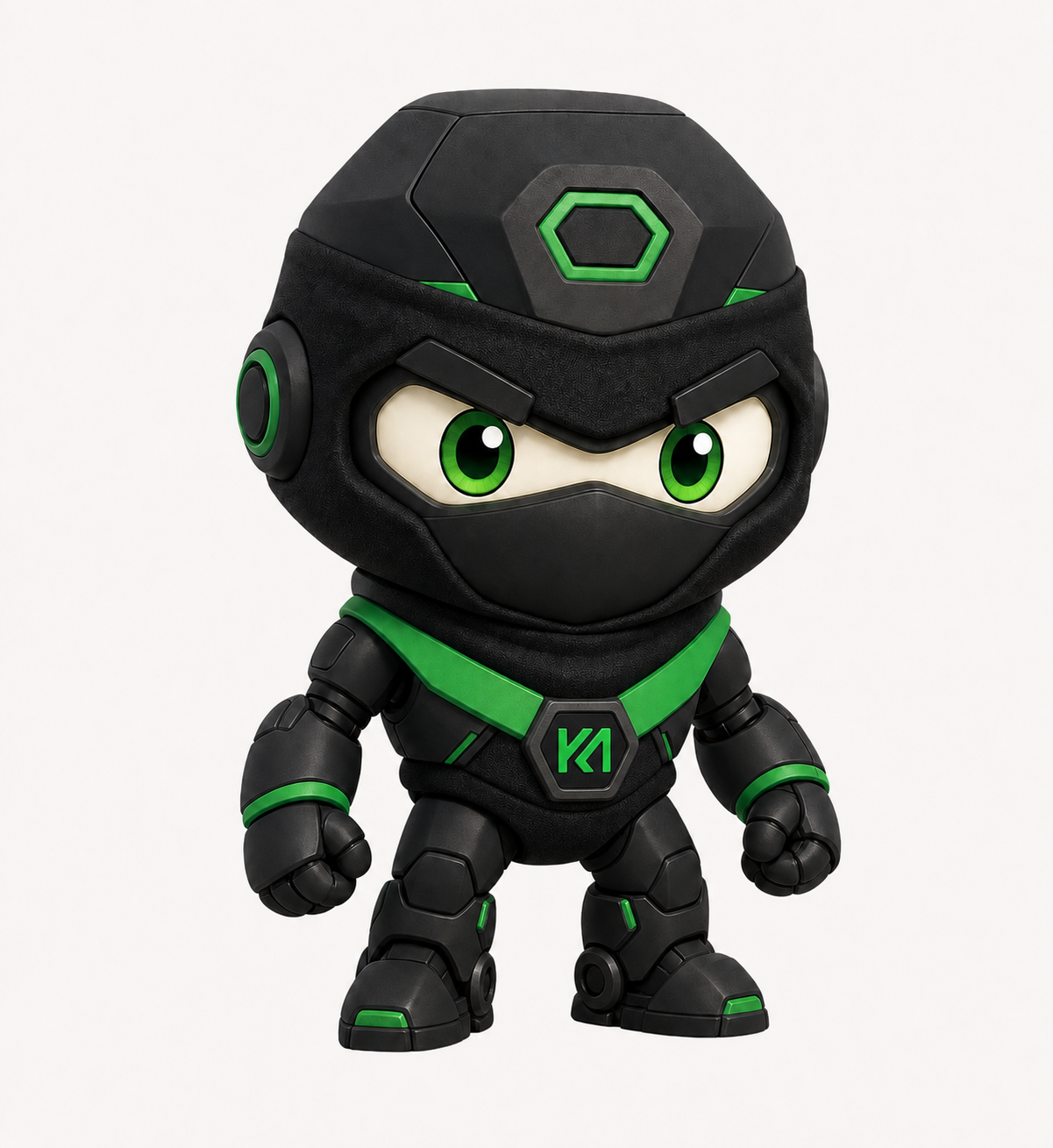
01 / Idle
Ready
Breathes, blinks, and stays calmly online.
 KeepMakingAI
Official KMAI Cortex Pet
Made for Codex Desktop App
KeepMakingAI
Official KMAI Cortex Pet
Made for Codex Desktop App
Your maker-side companion
KeepMakingAI’s original ninja–robot learning companion: focused, encouraging, and always ready to help makers ship.
Learn more about AI at keepmaking.ai.
Manual installation is the reliable option today. It takes about a minute in the Codex Desktop App.
01
Download one folder, copy it into Custom pets, and refresh. That’s it.
Download Cortex packageDownload the Cortex package, then unzip it. You should see one complete folder named cortex.
In the Codex Desktop App, open:
Under Custom pets, select Open folder.
Move the entire unzipped cortex folder—not only the files inside it—into the folder Codex opened.
cortex/ must contain pet.json and spritesheet.webp.
Return to:
Choose Cortex from the pet list.
No restart is normally required. Refresh reloads local custom pets. Quit and reopen Codex only if Cortex still does not appear.
02 / Movement portfolio
Nine core Codex states, running live from the exact Cortex pet package.
9 live action loops
The live previews could not load, but every movement is included in the Cortex download.
01 / Idle
Breathes, blinks, and stays calmly online.
02 / Move right
Moves across your workspace with purpose.
03 / Move left
Turns back without losing momentum.
04 / Waving
Greets makers with a quick robotic wave.
05 / Jumping
Marks a win with a compact power jump.
06 / Failed
Takes the hit, resets, and gets ready again.
07 / Waiting
Waits patiently when a decision needs you.
08 / Working
Processes the task with full ninja–robot focus.
09 / Review
Checks the result before calling it shipped.